
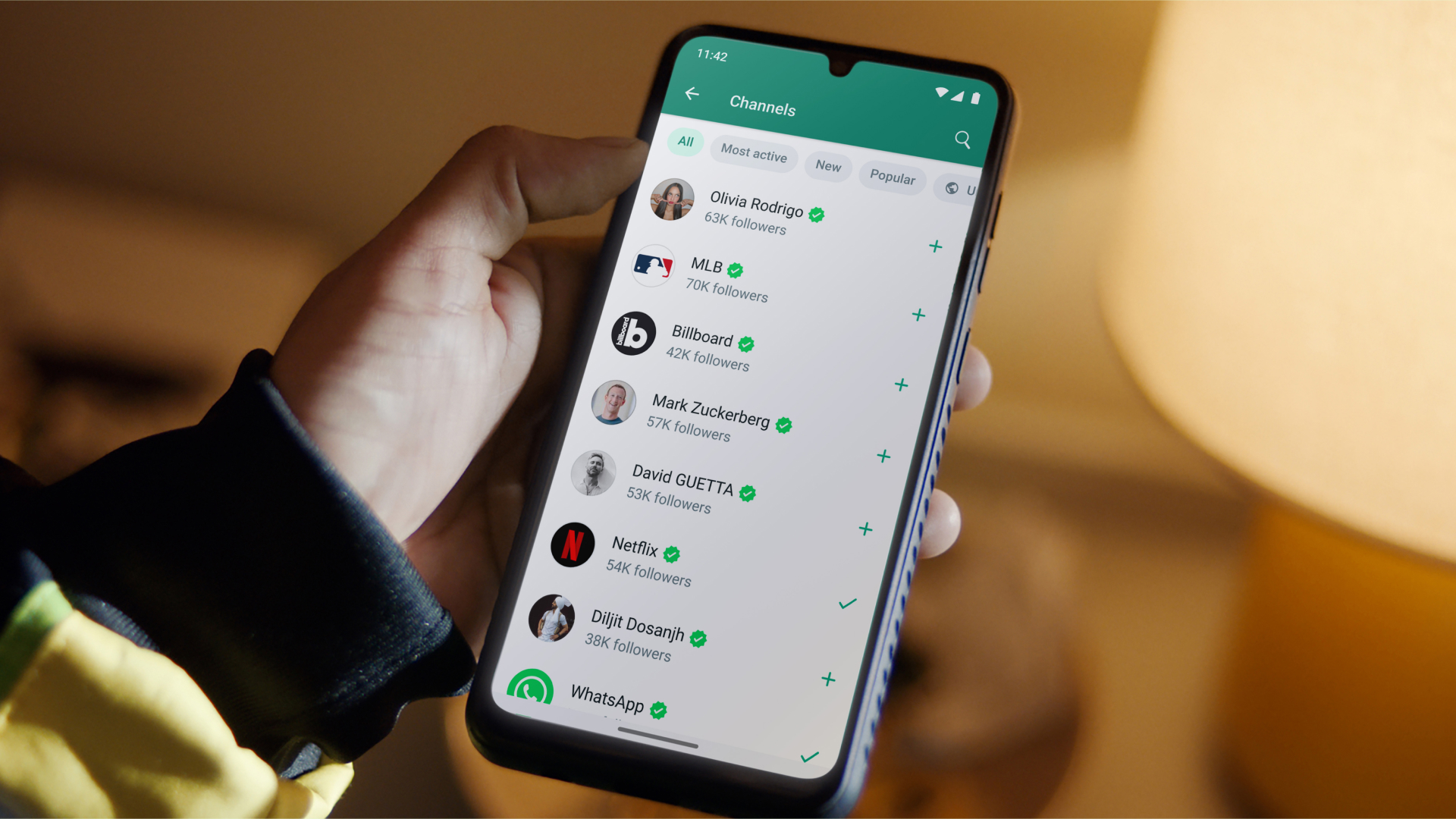
Whatsapp has many useful features that make it easy to use when driving traffic through Whatsapp—many of which you may not know about. These include the ability to delete messages after sending them, and a "secret" mode for deleting text after you send a message.
How to Delete Messages You've Sent
So far, the ability to delete messages after sending them is one of WhatsApp's greatest achievements. This feature is particularly useful if you send a message to the wrong chat room or if there is an error in your message.
You can delete messages by opening WhatsApp and then going to the chat containing the message. After finding the message, you need to click and hold it until delete pops up. Click delete, then click delete for everyone. Messages successfully deleted for everyone will show as this message was deleted.
How to Send Disappearing Messages
Another great privacy feature of WhatsApp is how to send disappearing messages, photos, or videos. If you enable this feature, it will make any new messages in the chat disappear after 7 days. If you need to turn it on, go to a specific chat, click on the person's name at the top of the chat. Click on disappearing messages, then click turn on.
You can also send disappearing images or videos, which will fold once the recipient views them once. This is helpful when sending sensitive information. The steps are as follows:
First, go to a specific chat, then click the + next to the message input field.
Next, choose to take a photo with the camera or select a photo from the photo and video library.
After selecting the photo, click the 1 next to the blue send arrow, then click the blue arrow to send.
How to Use WhatsApp on a Laptop
Another benefit of WhatsApp is that the service is not limited to your phone; you can also use it on a tablet or laptop/desktop.
You can access a browser as a WhatsApp user, which can sync everything in your phone to your laptop. You can also download the desktop application, then you must open WhatsApp on your phone.
Go to settings, WhatsApp Web/Desktop. Scan the QR code on the browser or desktop application, and follow the instructions there.
Do you know these three Whatsapp tips? If you want to learn more, you can subscribe to the PASA official channel: https://t.me/pasaqqzxzz